> For the complete documentation index, see [llms.txt](https://documentation.maax.ai/main/llms.txt). Markdown versions of documentation pages are available by appending `.md` to page URLs; this page is available as [Markdown](https://documentation.maax.ai/main/setup-your-integration/v1-customer-ai-zapier/step-1-starting-your-zap.md).
# Step 1 – Starting your Zap
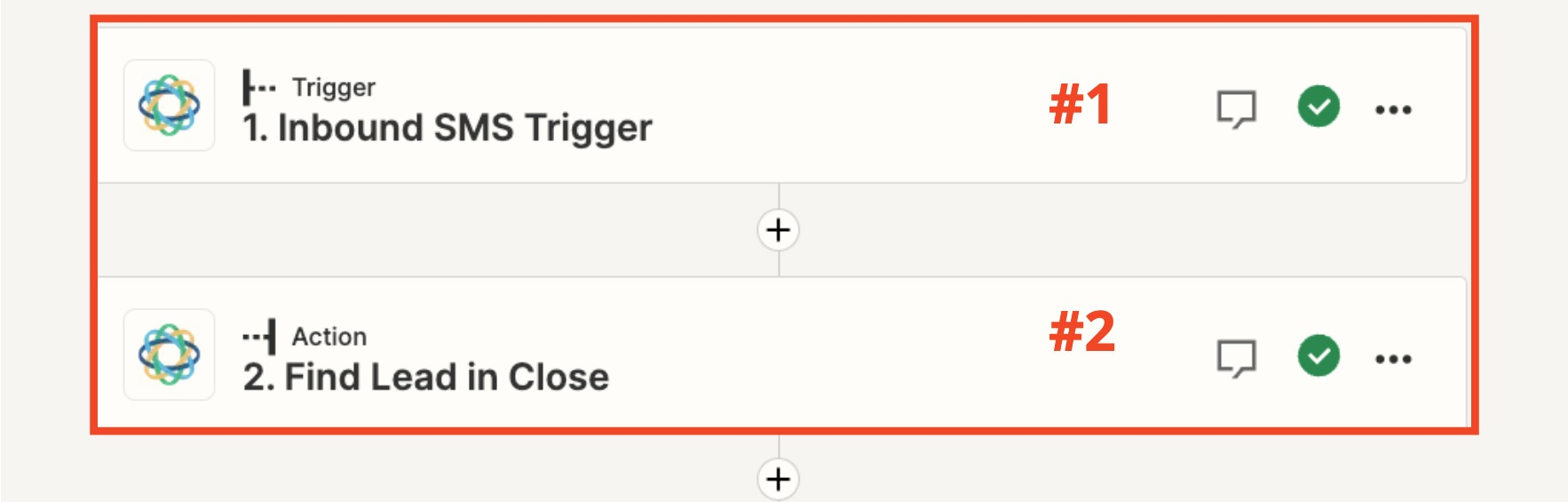
**#1 – Identify your initial trigger for your Zap**
**#2 to #4** – Identify the business logic to filter your prospects before it hits Maax
i.e. what field/segment in your CRM are you targeting? Label = “Checkout Lead”? It will vary depending on your industry and tech strategy. This will ensure that your AI is responding to the segment that you actually want to target